AI design tools have changed the game for designers and non-designers alike. Specifically, Adobe Firefly, Canva AI, and similar platforms can generate backgrounds, remove objects, and suggest layouts — all in seconds. However, one thing these tools still can’t do reliably is choose the right font for your design.
That’s still a human job. So, understanding how to use your own fonts alongside AI tools is one of the most valuable skills you can build right now.
What AI Design Tools Can (and Can’t) Do With Typography
First, let’s be clear about what AI design tools are actually capable of when it comes to fonts.
What they can do:
- Suggest font pairings based on style preferences
- Auto-size and reflow text within generated layouts
- Generate decorative text effects like gradients, textures, and 3D styles
- Additionally, recommend fonts from their built-in libraries based on mood or industry
What they can’t do well:
- Choose a font that genuinely fits your brand’s specific personality
- Understand the nuance between “elegant” and “luxury” in typography
- Furthermore, make judgment calls about hierarchy, spacing, and visual weight
- Access fonts outside their built-in library, including custom or purchased fonts
That’s exactly why having a strong, curated personal font library still matters — even in an AI-assisted workflow.
Using Custom Fonts in Canva AI
Canva’s AI features — Magic Design, Magic Write, and others — work within Canva’s design environment. Therefore, you can upload your own custom fonts and use them alongside AI-generated layouts.
Here’s how to integrate your own fonts into a Canva AI workflow:
- First, upload your font files (OTF or TTF) via Brand Kit > Fonts > Upload a font
- Next, use Magic Design or Magic Write to generate a layout or content
- Then, replace Canva’s suggested fonts with your uploaded custom fonts
- Finally, adjust sizing, spacing, and hierarchy to match your brand standards
In short, the AI handles layout and content generation. Meanwhile, you bring the typographic personality and brand consistency.
Using Custom Fonts in Adobe Firefly Workflows
Adobe Firefly integrates deeply with the Creative Cloud ecosystem. As a result, your Adobe Fonts library is already available in Photoshop and Illustrator when working with Firefly-generated assets.
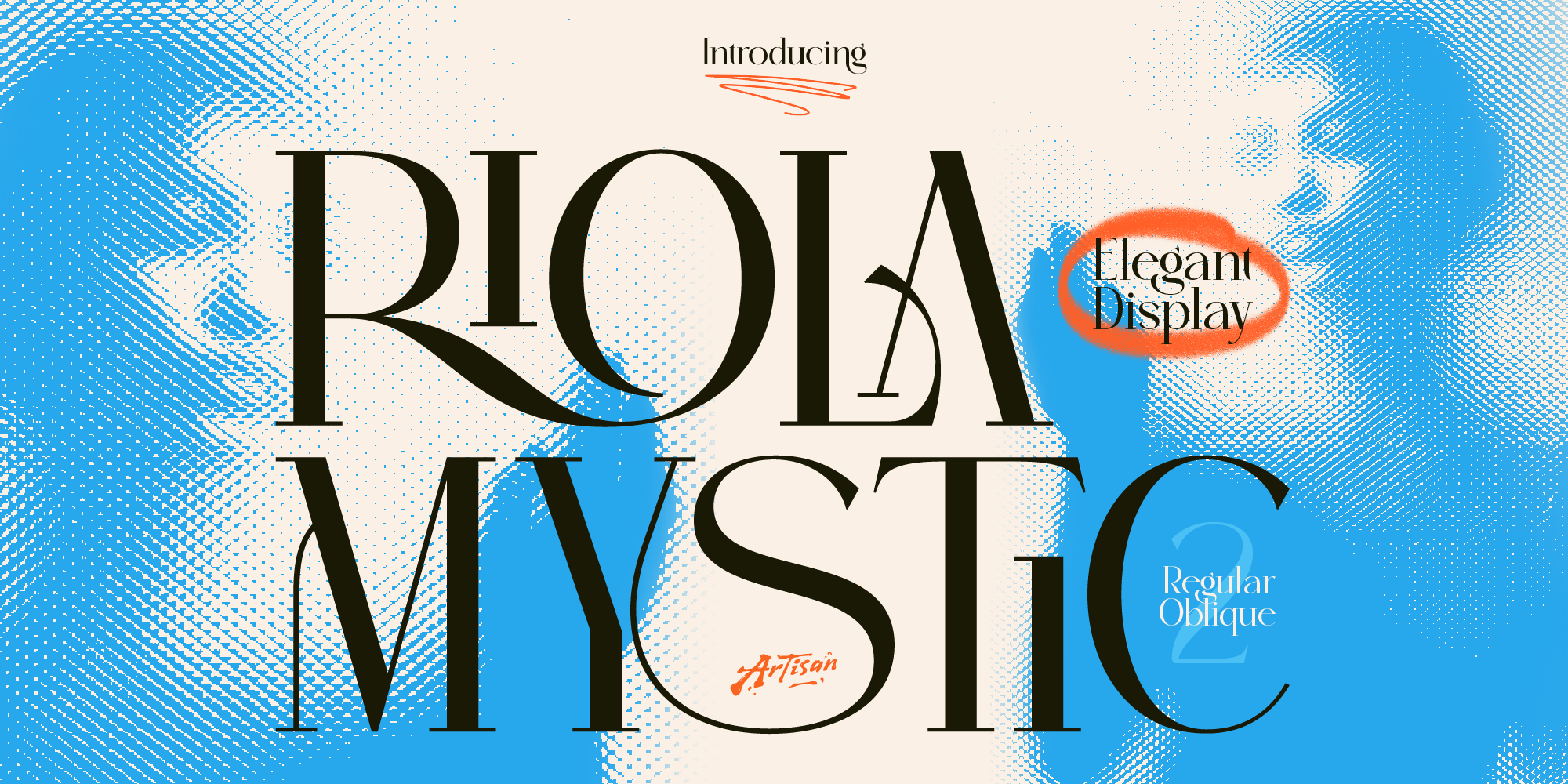
For fonts purchased outside Adobe — like from ArtisanFont — the workflow is equally straightforward:
- First, install your font on your computer via the font file
- Then, generate your visual in Firefly or use Firefly features within Photoshop
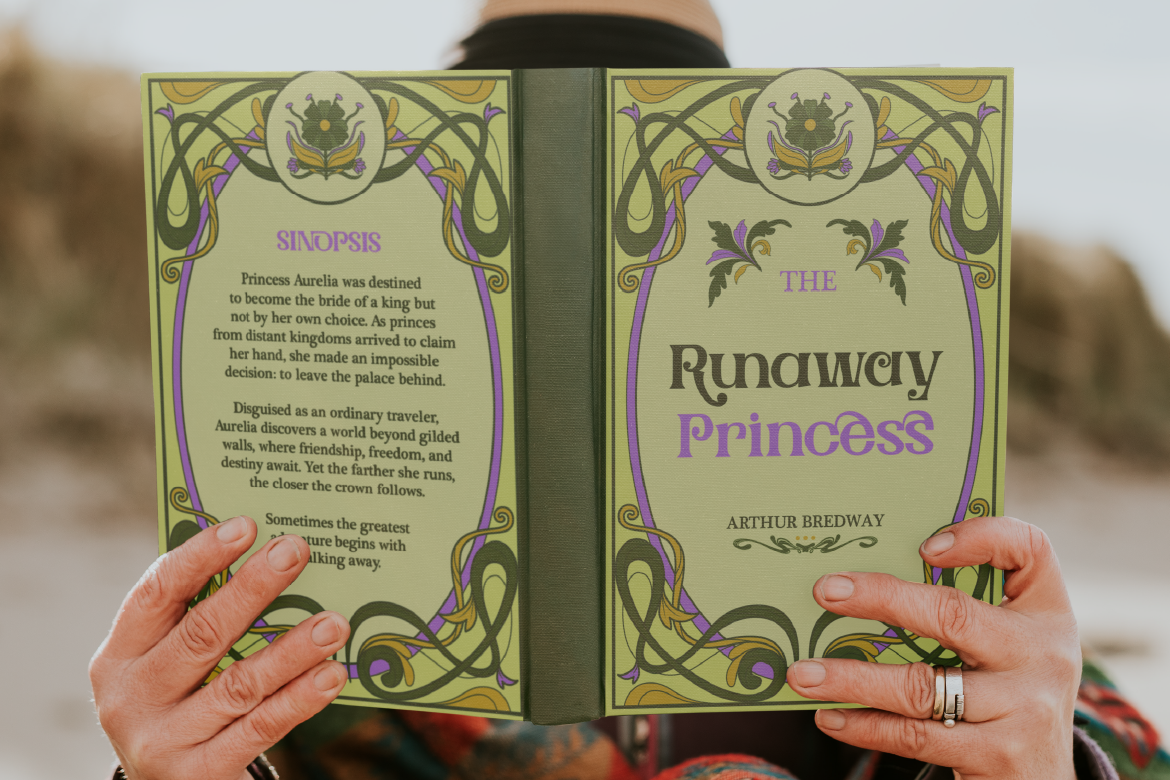
- Next, add a text layer in Photoshop or Illustrator using your installed font
- Finally, style and position your typography to complement the AI-generated element
For example, Adobe’s Generative Fill works particularly well as a backdrop for custom typography. In other words, the AI generates the atmosphere while your font creates the message.
Typography Best Practices in AI-Assisted Design
Whether you’re using Firefly, Canva AI, or another tool, these principles will keep your typography sharp. In particular, they help you maintain brand consistency even when AI is doing most of the visual work.
Don’t let AI suggestions override brand consistency. AI tools suggest fonts based on general patterns — not your specific brand. Therefore, always evaluate suggestions against your established visual identity.
Use AI for layout, not font selection. Let the AI handle composition, color, and structure. However, always make your own call on typography. After all, it’s the most brand-specific element in any design.
Always test at real sizes. AI-generated layouts often look great at preview size. In contrast, they can break down at actual print or social media dimensions. Consequently, always check your typography at the final output size before publishing.
Keep a font shortlist. Having 5–10 go-to fonts you know well means you spend less time searching and more time designing. Moreover, this is true even when AI tools are doing half the work.
Final Thoughts
To sum up, AI design tools are powerful assistants. However, they work best when a human with strong typographic instincts is guiding the process. As a result, bringing your own fonts into AI-assisted workflows gives you the best of both worlds: AI speed and efficiency, combined with intentional, brand-specific typography.
In conclusion, browse the ArtisanFont collection to build a font library you can confidently bring into any AI design workflow.