Typography is one of those things that’s easy to overlook but impossible to ignore once it’s wrong. You might not consciously notice why a design feels off, but somewhere in the back of your mind, something just feels… uncomfortable to read.
The good news? Most typography mistakes are surprisingly common — and once you know what to look for, they’re easy to fix. Let’s go through the most frequent ones beginners run into, and how to clean them up.
Mistake #1: Using Too Many Fonts
This is probably the #1 typography sin. It’s tempting to mix and match every cool font you’ve downloaded, but more fonts = more visual noise. Instead of looking creative, your design ends up looking chaotic and unplanned.
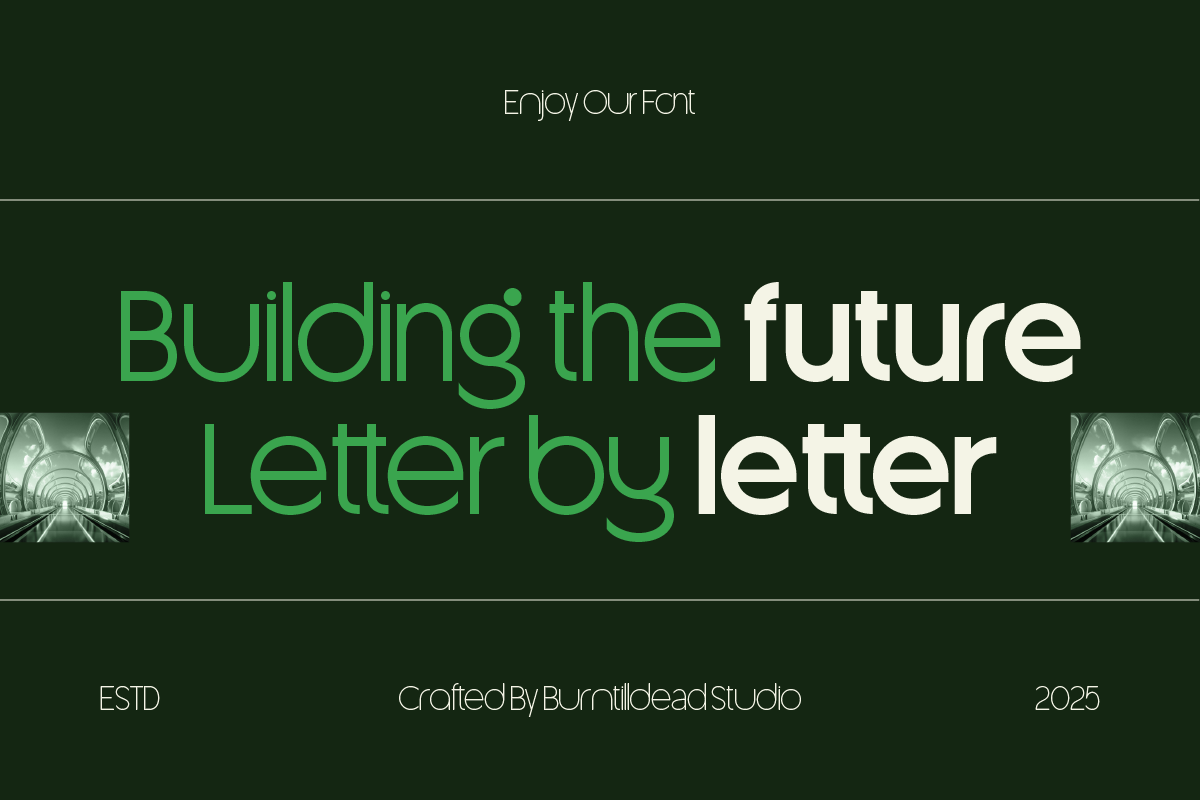
The fix: Stick to a maximum of 2-3 fonts per design — one for headings, one for body text, and (optionally) one accent font for special details like quotes or buttons. If you’re using a bold display font like Flanky for your headlines, let it stand out by pairing it with something simple and neutral, like Cantilos, for the rest of your text.
Mistake #2: Poor Contrast Between Text and Background
Light gray text on a white background might look “minimalist” and trendy — but if people have to squint to read it, you’ve sacrificed usability for aesthetics. Low contrast is one of the most common accessibility issues in design.
The fix: Make sure there’s enough contrast between your text color and background. A simple rule of thumb: if you’re not sure, it’s better to go slightly darker/bolder than too light. Tools like contrast checkers can help you confirm your color choices meet accessibility standards.
Mistake #3: Inconsistent Sizing and Hierarchy
When every piece of text on a page is roughly the same size, readers have no idea what’s important. Headlines, subheadings, and body text should all look clearly different from one another — not just slightly different.
The fix: Create a clear type hierarchy. For example:
- Heading: large, bold, attention-grabbing
- Subheading: medium size, slightly less bold
- Body text: smaller, regular weight, optimized for reading
This hierarchy guides the reader’s eye and makes your content easier to scan — especially important for blog posts, landing pages, and websites in general.
Mistake #4: Ignoring Line Spacing (Leading)
Cramming text together with tight line spacing makes paragraphs feel dense and exhausting to read. On the flip side, too much spacing can make text feel disconnected and floaty.
The fix: A good starting point for body text is line spacing (leading) around 1.4-1.6x the font size. So if your font size is 16px, your line height should be roughly 22-26px. Adjust based on the font itself — some typefaces naturally need more breathing room than others.
Mistake #5: Centering Long Blocks of Text
Center-aligned text looks great for short headlines, quotes, or invitations — but for paragraphs? It quickly becomes hard to read. Our eyes rely on a consistent left edge to track from line to line, and centered text breaks that rhythm.
The fix: Use center alignment sparingly — for short, standalone text like titles or callouts. For body text and longer paragraphs, stick to left-aligned text (or justified, if you’re careful about spacing).
Mistake #6: Pairing Fonts With Clashing Styles
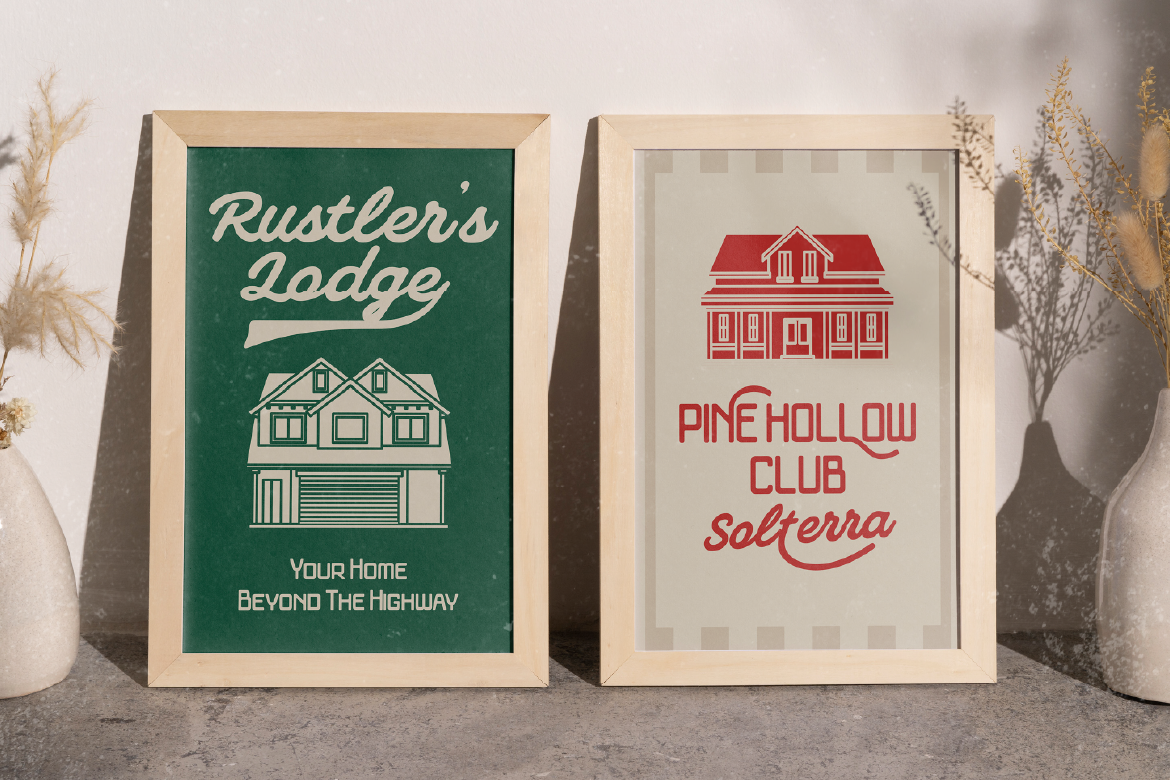
Not all fonts are meant to be together. Pairing two decorative fonts, or two fonts with completely conflicting “personalities” (like a playful script next to a stiff corporate sans-serif), creates visual tension instead of harmony.
The fix: When pairing fonts, look for either contrast with purpose or shared mood. For example, an elegant serif like Foramte pairs beautifully with a clean sans-serif like Cantilos — different enough to create hierarchy, but both feeling refined and intentional together.
Mistake #7: Overusing Decorative or Script Fonts
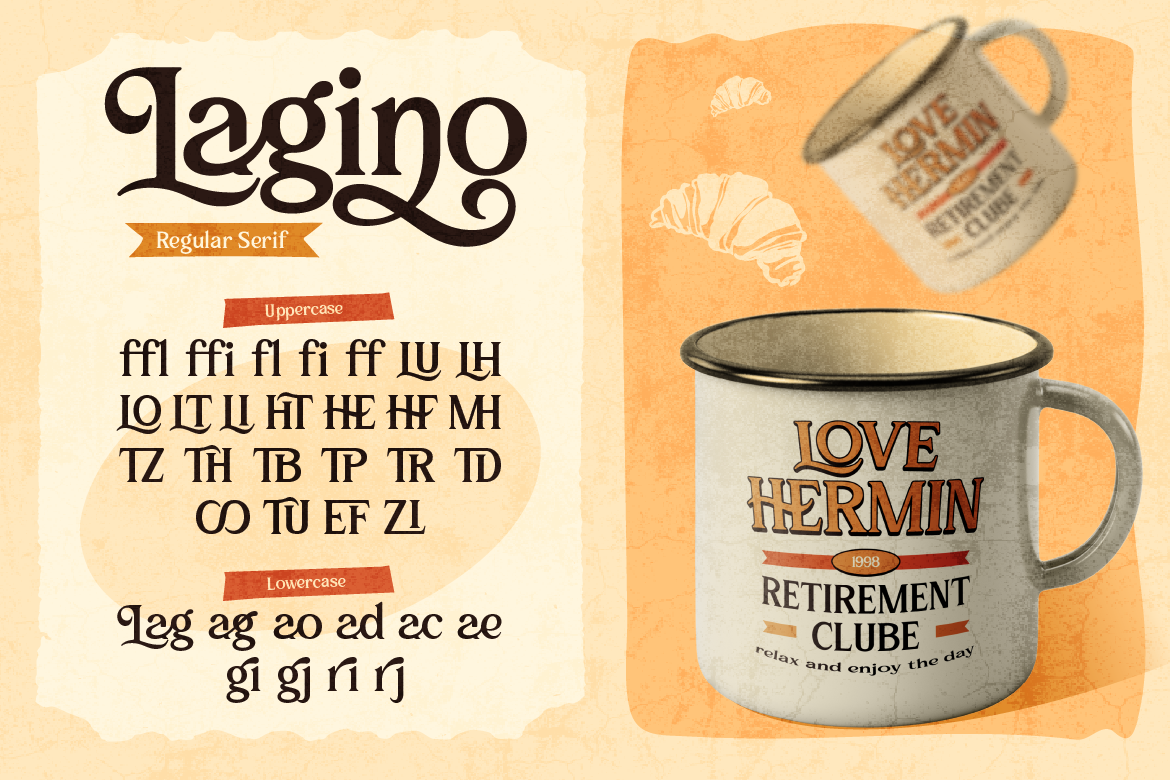
Script and display fonts (like vintage or hand-lettered styles) are eye-catching — but they’re also harder to read, especially in long blocks of text or small sizes. Using them everywhere quickly becomes overwhelming (and sometimes illegible).
The fix: Treat decorative fonts as seasoning, not the main dish. A font like Lisaline works great for a logo, a hero title, or a special quote — but should never be your paragraph font. Use it intentionally, in small doses, for maximum impact.
Mistake #8: Not Testing on Mobile
A typography setup that looks perfect on a large desktop screen can fall apart on mobile — text that’s too small, headlines that wrap awkwardly, or spacing that suddenly feels too tight.
The fix: Always preview your design on multiple screen sizes before finalizing it. Pay special attention to font sizes (body text should generally be at least 16px on mobile) and make sure your headline fonts don’t become unreadable when they wrap to multiple lines.
Mistake #9: Forgetting About Font Licensing
This one isn’t about how things look — but it’s a mistake that can cause real headaches later. Beginners often grab free fonts from random sites without checking the license, only to find out later they’re not allowed to use them commercially (or on a live website at all).
The fix: Always check the license before using a font for client work, branding, or commercial projects. Reputable font marketplaces like ArtisanFont include clear licensing info, so you know exactly what you’re allowed to do with each font — no surprises later.
Most typography mistakes aren’t about bad taste — they’re about small details that get overlooked when you’re focused on the bigger picture. The good news is that once you know what to look for, these fixes are quick and don’t require any design “talent,” just attention to detail.
Next time you’re working on a design, run through this list like a quick checklist. Chances are, fixing even just 2-3 of these issues will instantly make your project feel more polished and professional.
And if you’re looking for fonts that pair well together right out of the box, browsing a curated collection like ArtisanFont is a great place to start — it takes a lot of the guesswork out of building a clean, cohesive typography system.