Designing typography on a flat digital screen is very different from printing text onto physical fabric. Nothing is more disappointing for a merch designer or brand owner than receiving a batch of custom T-shirts only to discover that the letter spacing looks uneven, awkward, or hard to read. Learning how to fix kerning issues before sending your files to production is essential for saving manufacturing costs and delivering professional apparel.
Here is a practical guide on why letter spacing breaks on physical garments and how to fix typography kerning easily.
The Problem: Flat Software Canvas vs Textile Ink Bleed
Graphic design software like Adobe Illustrator or Canva displays text on a perfectly rigid, high-resolution digital artboard. However, human bodies are curved, and cotton fabrics stretch, fold, and shift during wear.
Furthermore, screen-printing inks and heat-transfer vinyl bleed slightly into cotton fibers during high-temperature curing. If your font characters sit too close together on screen, those narrow gaps fill with ink during production. As a result, letters like ‘r’, ‘n’, ‘e’, and ‘o’ blur into solid ink blocks on the fabric.
1. Expand Overall Tracking by 5% to 10% for Fabric
Standard font kerning is usually optimized for digital screens and paper printing. When designing text for t-shirts, hoodies, or caps, increase your overall letter spacing (tracking) slightly. Adding extra breathing room between characters prevents wet textile ink from merging during high-volume screen printing runs.
2. Manually Adjust Problematic Letter Pairs
Automatic kerning settings in design software often struggle with decorative headline fonts. Pay close attention to diagonal letter pairs (such as ‘AV’, ‘WA’, or ‘LT’) and curved letters (such as ‘OO’ or ‘CC’). Manually nudge individual letters to create equal visual space between every character shape.
3. Convert Live Text into Vector Outlines
Exporting live font files or low-resolution PNG images can cause unexpected text distortion during printing. Always convert your text into permanent vector paths (Create Outlines) before sending final artwork to your printer. Consequently, your letter shapes stay infinitely sharp regardless of print sizing.
Recommended Fonts for Crisp Apparel Printing
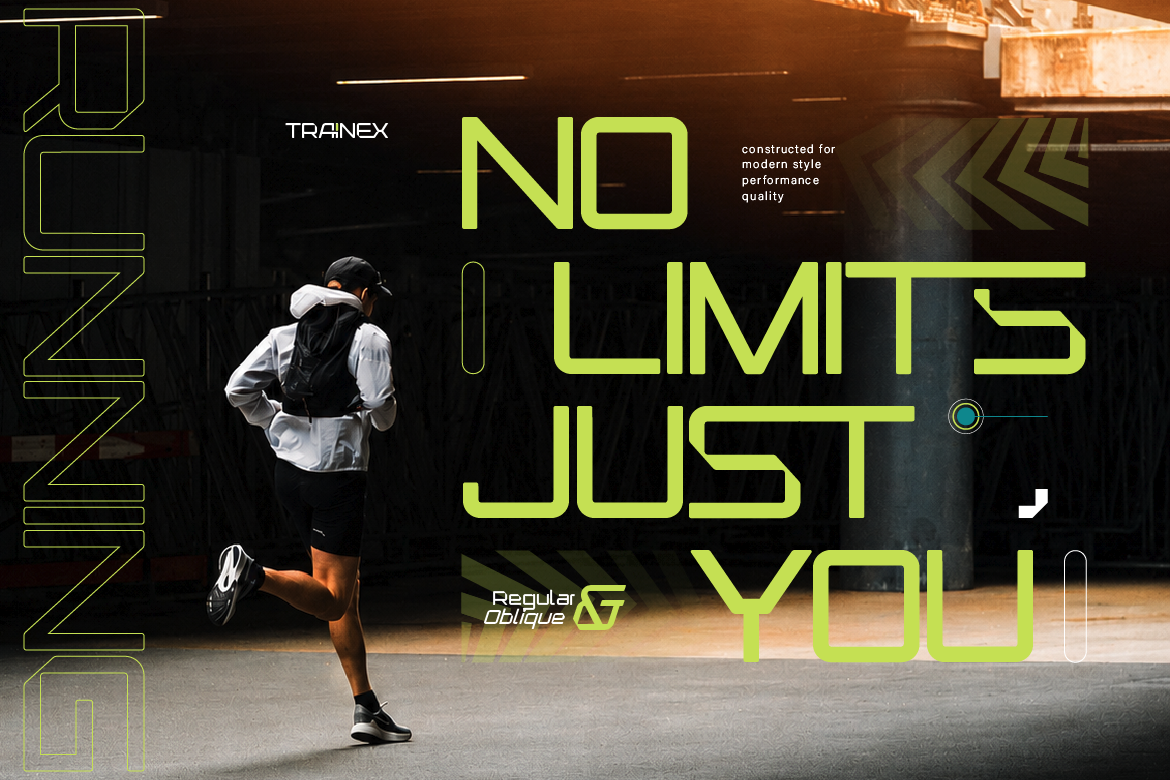
- Trainex: A heavy geometric sport font engineered with bold blocky structures that maintain perfect kerning clarity on hoodies and athletic tees.
- Reblade: A sharp modern blackletter font designed with solid gothic strokes that remain distinct on dark streetwear cotton.
Stop wasting money on distorted apparel prints! [Explore high-impact apparel fonts at Artisan Font today] and make your clothing line look professional!